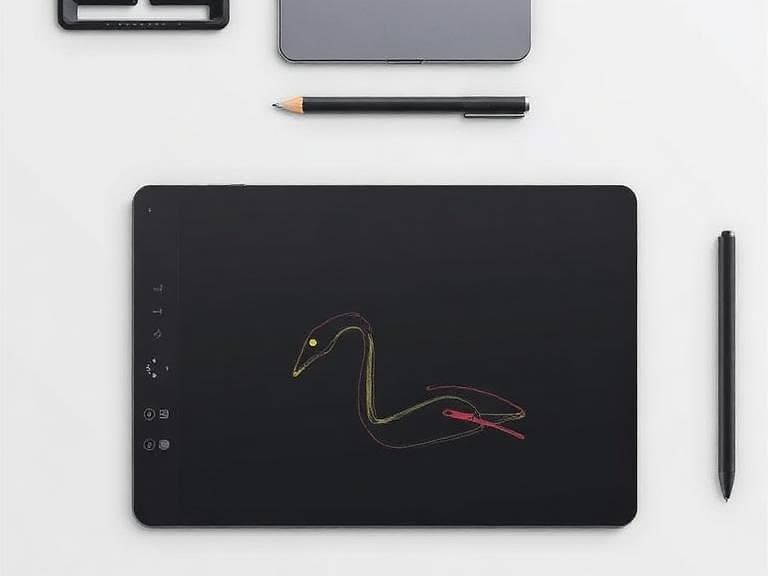
Top Picks for Professional Designers in 2026
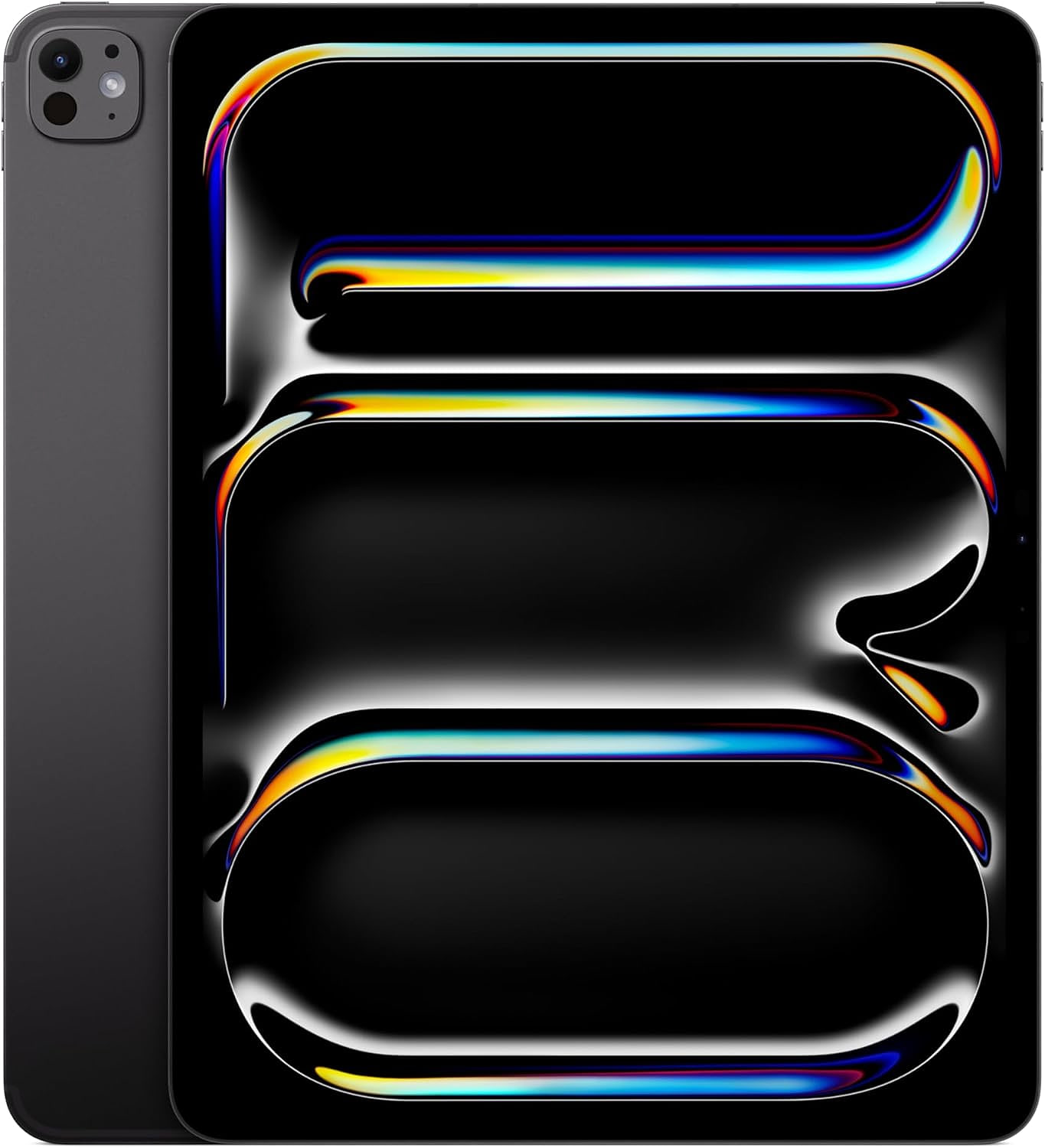
Industry testing in early 2026 identified a clear hierarchy of sketching tablets for professional designers. The overall winner is the iPad Pro M5, praised for its Ultra Retina XDR display and wide‑gamut color reproduction. It replaces the earlier M4 model as the top overall pick, according to ZDNET.
For designers who require a large, studio‑grade workspace, the Wacom Cintiq 24 Touch stands out. Its 24‑inch panel offers the most expansive drawing area and the most accurate color representation among pen displays tested.
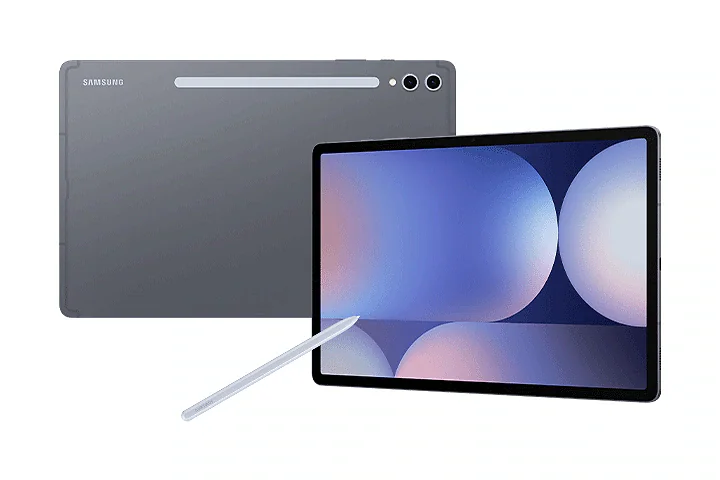
Android‑centric creators benefit from the Samsung Galaxy Tab S10+, which delivers an excellent AMOLED screen that rivals the iPad’s color depth while running on the Android ecosystem.
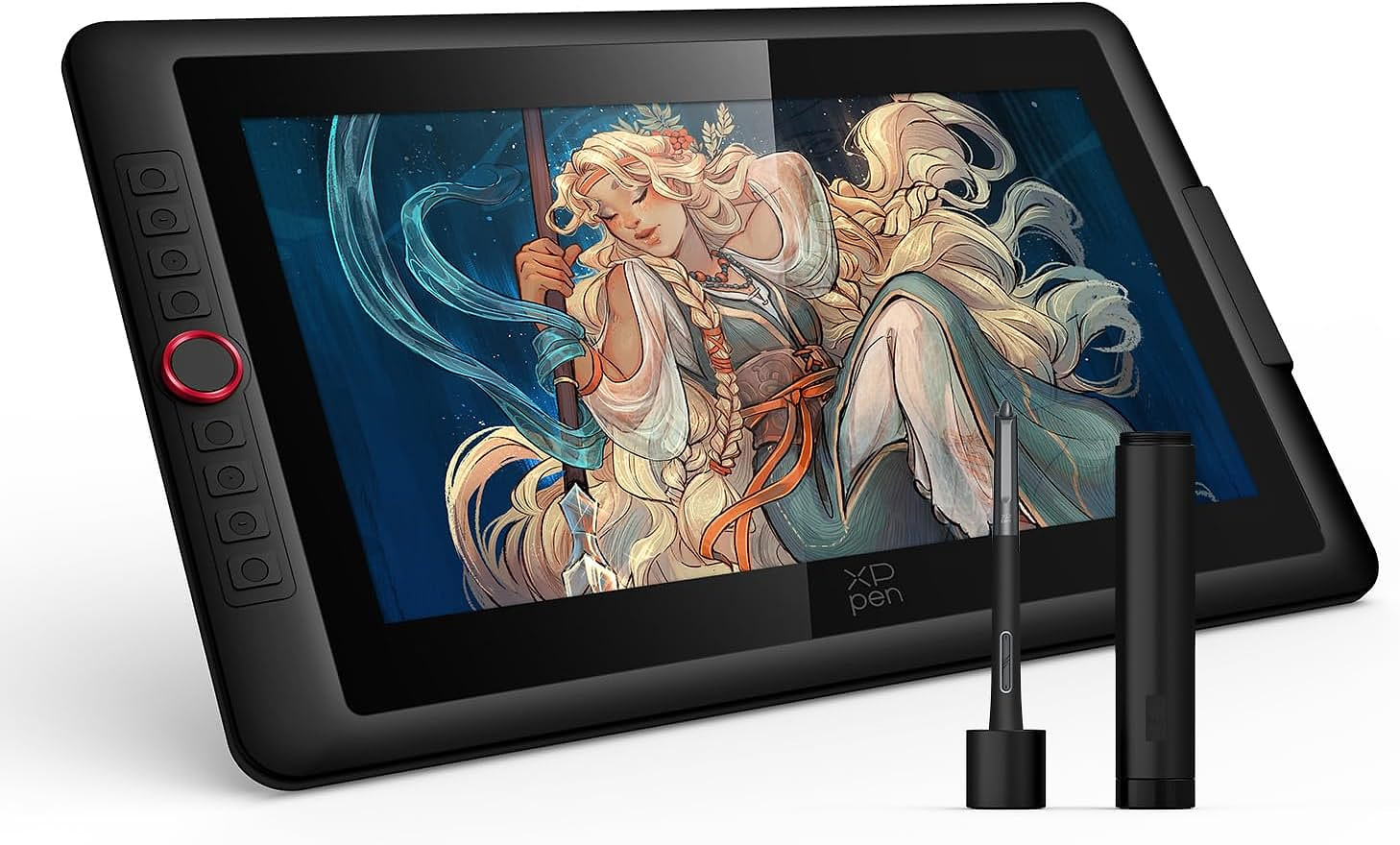
For artists who prioritize OLED technology, the XPPen Artist Pro 16 provides a 4K OLED display, professional‑grade color range, and a dual‑stylus system that simplifies workflow transitions.
Budget‑oriented designers can look to the offerings from UGEE, which deliver solid pen sensitivity and reliable drivers at entry‑level pricing, making them suitable for freelancers and students.
*I have added the product link at the end of this article.
Display Technology and Color Accuracy
Display quality remains the decisive factor for visual designers. The iPad Pro M5’s Ultra Retina XDR panel supports the P3 wide‑color gamut, delivering vibrant, true‑to‑life hues essential for branding and UI work.
Samsung’s Galaxy Tab S10+ utilizes a high‑contrast AMOLED panel, providing deep blacks and vivid colors that are especially useful for mood‑board creation and concept visualization.
XPPen’s Artist Ultra 16 pushes the envelope with a 4K OLED screen, offering a resolution that surpasses the 2.5K panels found on many competitors while maintaining excellent color fidelity.
Even larger formats, such as the 21.5‑inch 2.5K tablet highlighted in one review, strike a balance between screen real‑estate and pixel density, making them viable for detailed illustration work.
Performance and Usability for Design Workflows
 Performance testing across multiple sources confirms that the iPad Pro M5 not only excels visually but also integrates seamlessly with professional design apps like Adobe Creative Cloud, Affinity Designer, and Procreate. Its Apple‑silicon processor reduces lag, allowing fluid brush strokes at high pressure levels.
Wacom’s Cintiq series, particularly the 24‑inch Touch model, pairs with a dedicated Pro Pen that offers industry‑leading pressure sensitivity and tilt detection. Reviewers note that the latency is virtually imperceptible, a critical attribute for precision drafting and UI mock‑ups.
XP‑Pen’s Artist Ultra 16 includes a dual‑stylus setup that lets designers switch between a fine‑point pen for line work and a broader brush tip for shading without leaving the tablet. This versatility shortens tool‑change time during complex projects.
Across the board, the tested tablets demonstrate compatibility with Windows, macOS, and Android operating systems, ensuring that designers can maintain their preferred software ecosystems. The cross‑platform flexibility highlighted in the “10 Best Tablets for Digital Art and Drawing” review underscores the importance of driver stability and firmware updates for consistent performance.
Quick Comparison Table: Best Sketching Tablets for Professional Designers (2026)
Tablet Model Price Range Screen Size Display Type Key Strengths Best For Overall Verdict iPad Pro M5 Premium — Ultra Retina XDR Vibrant P3 wide color, ultra-low latency, seamless integration with Procreate & Adobe apps, powerful Apple silicon Overall performance & mobile professionals Best Overall Winner Wacom Cintiq 24 Touch Premium 24-inch High-accuracy panel Largest drawing area, industry-leading pressure & tilt, near-zero latency, most accurate color Studio-grade large workspace Best for Large Studio Setup Samsung Galaxy Tab S10+ Mid-to-Premium — AMOLED Deep blacks, vivid contrast, excellent for mood boards & concept work Android ecosystem users Best Android Option XPPen Artist Ultra 16 Mid-range 16-inch 4K OLED Superior color fidelity, dual-stylus system, professional-grade pressure & color range Artists who want OLED quality Best Value OLED UGEE Entry-Level Tablets Budget — Standard LCD Solid pen sensitivity, reliable drivers, excellent value for money Beginners, students & freelancers Best Budget Pick
Key Comparison Criteria: Display Quality (color accuracy & gamut), Pen Performance (pressure, tilt, latency), Ecosystem & Software compatibility, Portability vs Studio Use, and Value for Money.
Top Recommendations Summary
Best Overall: iPad Pro M5 – Excels in color, performance, and professional app integration.
Best Large Studio Experience: Wacom Cintiq 24 Touch – Ideal for expansive, precise drafting.
Best for Android Users: Samsung Galaxy Tab S10+ – Great AMOLED screen for vibrant concepts.
Best Value OLED: XPPen Artist Ultra 16 – 4K quality at a more accessible price.
Best Budget Option: UGEE Entry-Level Tablets – Reliable entry point for new professionals.
Quick Comparison Table: Best Sketching Tablets for Professional Designers (2026)
| Tablet Model | Price Range | Screen Size | Display Type | Key Strengths | Best For | Overall Verdict |
|---|---|---|---|---|---|---|
| iPad Pro M5 | Premium | — | Ultra Retina XDR | Vibrant P3 wide color, ultra-low latency, seamless integration with Procreate & Adobe apps, powerful Apple silicon | Overall performance & mobile professionals | Best Overall Winner |
| Wacom Cintiq 24 Touch | Premium | 24-inch | High-accuracy panel | Largest drawing area, industry-leading pressure & tilt, near-zero latency, most accurate color | Studio-grade large workspace | Best for Large Studio Setup |
| Samsung Galaxy Tab S10+ | Mid-to-Premium | — | AMOLED | Deep blacks, vivid contrast, excellent for mood boards & concept work | Android ecosystem users | Best Android Option |
| XPPen Artist Ultra 16 | Mid-range | 16-inch | 4K OLED | Superior color fidelity, dual-stylus system, professional-grade pressure & color range | Artists who want OLED quality | Best Value OLED |
| UGEE Entry-Level Tablets | Budget | — | Standard LCD | Solid pen sensitivity, reliable drivers, excellent value for money | Beginners, students & freelancers | Best Budget Pick |
Key Comparison Criteria: Display Quality (color accuracy & gamut), Pen Performance (pressure, tilt, latency), Ecosystem & Software compatibility, Portability vs Studio Use, and Value for Money.
Top Recommendations Summary
- Best Overall: iPad Pro M5 – Excels in color, performance, and professional app integration.
- Best Large Studio Experience: Wacom Cintiq 24 Touch – Ideal for expansive, precise drafting.
- Best for Android Users: Samsung Galaxy Tab S10+ – Great AMOLED screen for vibrant concepts.
- Best Value OLED: XPPen Artist Ultra 16 – 4K quality at a more accessible price.
- Best Budget Option: UGEE Entry-Level Tablets – Reliable entry point for new professionals.
Price and Value Considerations
 Price points vary dramatically. Premium options like the iPad Pro M5 and Wacom Cintiq 24 Touch command premium pricing reflective of their display technology, build quality, and ecosystem integration. Mid‑range choices such as the XPPen Artist Ultra 16 provide high‑resolution OLED displays at a more accessible cost, delivering professional color range without the expense of a full‑size Cintiq.
For designers on tighter budgets, UGEE’s entry‑level tablets offer reliable pen input and solid driver support, making them practical for freelancers and students who need a dependable tool without sacrificing core functionality.
When evaluating value, consider long‑term software support, accessory compatibility (e.g., stand, external monitor), and warranty terms. The “10 Best Tablets for Creatives in 2026” guide emphasizes that a higher upfront cost can be justified by reduced latency, better color accuracy, and a longer usable lifespan.
Buying Guide Checklist for Professional Designers
Display type: XDR, AMOLED, OLED, or high‑resolution LCD.
Color gamut: P3 wide‑color, Adobe RGB, or sRGB coverage.
Screen size: 16‑inch to 24‑inch for workspace needs.
Resolution: 2.5K, 4K, or higher for fine detail work.
Pressure sensitivity and tilt support: essential for sketching precision.
Operating system compatibility: iOS, Android, Windows, or macOS.
Software ecosystem: native support for Adobe, Affinity, Sketch, etc.
Latency: lower latency improves real‑time drawing feel.
Portability vs. studio setup: weigh weight and battery life against screen size.
Budget: align features with projected ROI for professional projects.
Conclusion
The 2026 landscape of sketching tablets offers a spectrum of options tailored to professional designers. The iPad Pro M5 leads with its Ultra Retina XDR display and robust app ecosystem, while the Wacom Cintiq 24 Touch provides the ultimate large‑format studio experience. Android users benefit from the Samsung Galaxy Tab S10+, and artists seeking cutting‑edge OLED quality can turn to the XPPen Artist Ultra 16. Budget‑conscious creators still have viable pathways through UGEE’s entry‑level lineup. By assessing display technology, performance metrics, and price‑to‑value ratios against the checklist above, designers can select the tablet that best aligns with their workflow and artistic goals.
Product Link
As an Amazon Associate, I earn from qualifying purchases.
Samsung Galaxy Tab S10+ : https://amzn.to/4tNY674
Wacom Cintiq : https://amzn.to/3Q5K2at
XP‑Pen’s Artist Ultra 16 : https://amzn.to/3Ojj6DC
iPad Pro M5 : https://amzn.to/4tO0fzy